Top 5 QR Code Generators with Advanced Analytics for Smarter Campaigns
Why Analytics Matter in QR Code Marketing
Without scan data, a QR code is just a black-and-white square. With it, you have a direct window into how your audience engages with physical and digital touchpoints — which is exactly why analytics-driven QR codes have become a core tool in mobile marketing strategies for SMEs.
The difference between a static QR code and a dynamic QR code comes down to one thing: trackability. Dynamic codes let you monitor scan volume, geographic distribution, device types, and time-based trends — all without reprinting a single flyer or replacing a product label. For a small business running a seasonal campaign, that flexibility alone can save hundreds in production costs.
Campaign tracking through QR codes also closes a loop that most offline marketing leaves open. When a customer scans a code on a shelf talker or a business card, you can now tie that physical interaction to a digital conversion — a form submission, a purchase, a video view. That kind of attribution used to require enterprise-level tooling. Today, several QR code generators bring it within reach of teams of two or twenty.
What to Look for in a QR Code Generator's Analytics Suite
The right analytics suite depends on your campaign goals, but five features consistently separate capable platforms from basic ones.
- Scan volume and trends: Total scans over time, broken down by day, week, or campaign period. This is the baseline — any paid tier should offer it.
- Location data: City- or country-level scan geography helps you understand where physical placements are actually performing. Useful for multi-location SMEs or regional campaigns.
- Device and OS breakdown: Knowing whether your audience scans on iOS or Android influences landing page design and app-store redirect decisions.
- Time-based patterns: Hourly or daily scan heatmaps reveal peak engagement windows — critical if you're running time-sensitive promotions.
- UTM parameters and conversion tracking: The most powerful feature tier. When QR code analytics feed into Google Analytics 4 or a CRM via UTM tagging, you can measure downstream conversions, not just scans. This is where QR codes stop being a novelty and start functioning as a real campaign channel.
Dashboard reporting quality also matters. Real-time data with clean export options (CSV, API access) makes the difference between a tool your marketing team actually uses and one that gets abandoned after the first campaign.
QR TIGER — Best for Multi-Campaign SME Teams
QR TIGER is one of the most feature-complete platforms available at SME-friendly pricing, making it a strong default choice for teams running multiple campaigns simultaneously.
Its analytics dashboard surfaces scan volume, location breakdowns, device data, and time trends in a single view. The platform supports UTM parameter integration, so scans can flow directly into your Google Analytics 4 property — a feature that many competitors reserve for higher tiers. Dynamic QR codes are available on all paid plans, and the bulk creation feature is genuinely useful for businesses managing QR codes across product lines or store locations.
The trade-off: the free plan is limited to static codes with no scan tracking. For meaningful analytics, you'll need a paid subscription. That's a fair ask given the feature depth, but very small businesses testing the concept may find it restrictive upfront.
Best for: SMEs managing 5+ active campaigns who need UTM integration and centralized dashboard reporting without a developer.
Bitly — Best for Teams Already Using Link Management
Bitly built its reputation on link shortening, and its QR code functionality inherits that same strength: clean, reliable tracking tied to a URL management system most marketers already understand.
Every Bitly QR code is a dynamic code by default, and scan analytics include click-through data, geographic location, referral source, and device type. Because Bitly treats QR scans and link clicks as unified events, you get a consolidated view of how a single URL performs across channels — email, social, and physical print. That cross-channel attribution is genuinely useful for SMEs running integrated campaigns.
Where Bitly falls short is in QR-specific features like design customization and bulk generation. If your primary need is branded, visually distinct codes, you'll hit limitations quickly. But if your team is already managing links in Bitly, adding QR analytics to that workflow costs almost nothing in terms of onboarding time.
Best for: Marketing teams that manage links centrally and want QR scan data alongside other channel metrics without switching tools.
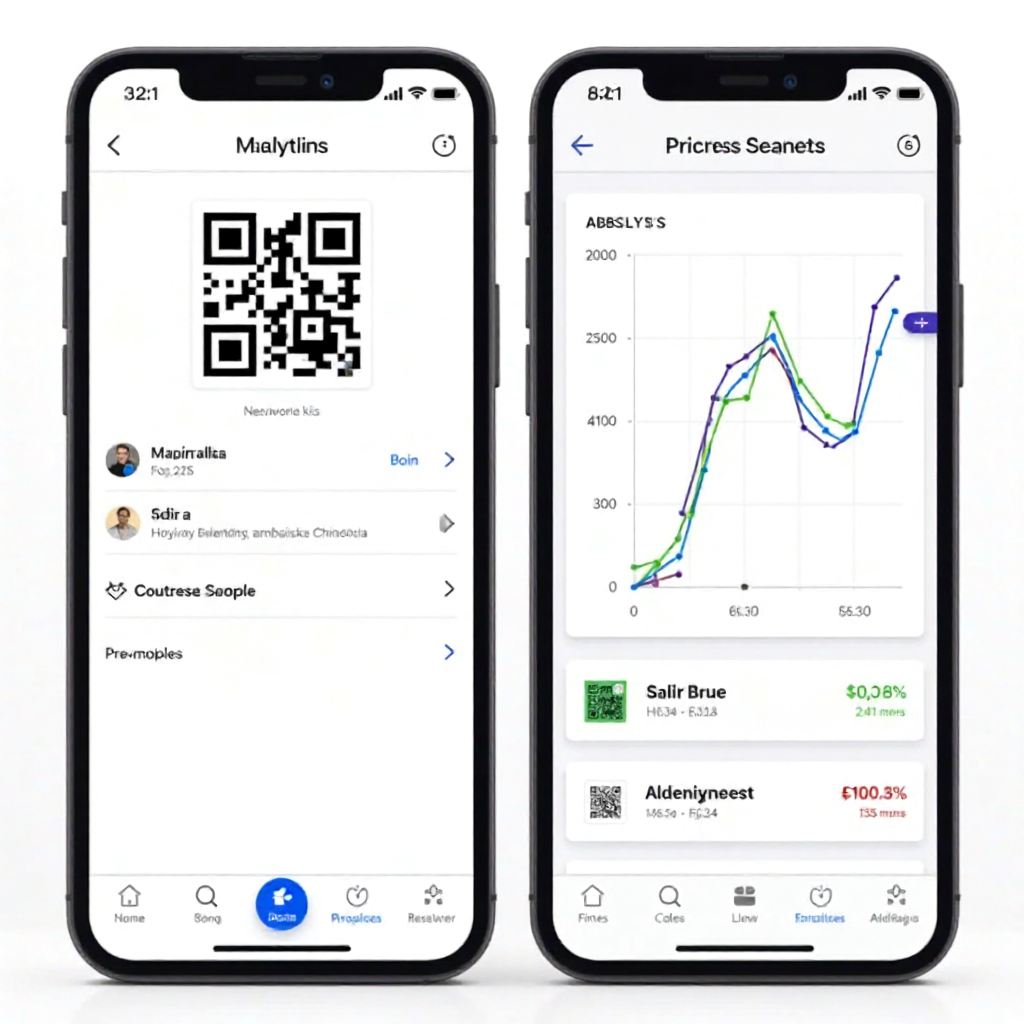
Uniqode, Beaconstac, and Scanova — Strong Contenders Worth Considering
These three platforms each occupy a distinct niche in the QR analytics landscape, and depending on your specific requirements, any one of them could outperform the first two options.
Uniqode (formerly Beaconstac) is the most enterprise-adjacent option on this list, but it's worth considering for growth-stage SMEs. Its analytics go deep: scan heatmaps, retargeting pixel support, and direct CRM integrations with HubSpot and Salesforce. If your team is already running marketing automation and wants QR codes to feed that pipeline, Uniqode is built for exactly that workflow. The pricing reflects the capability — it's not the budget option — but the ROI case is clearer than most when conversion tracking is the goal.
Beaconstac (now part of the same company as Uniqode under the Uniqode brand) historically served retail and hospitality clients well. Its location-based analytics and offline-to-online attribution features remain strong, particularly for businesses with physical storefronts running print campaigns.
Scanova targets SMEs that need customization depth alongside analytics. Its design editor is among the most flexible available, and its scan analytics cover the core metrics — volume, location, device — with solid export options. It lacks the CRM integrations of Uniqode but is easier to get started with and more affordable for solo marketers or very small teams.
Side-by-Side Comparison: Key Analytics Features
Here's how the five tools stack up on the criteria that matter most for SME campaign decisions:
- QR TIGER: Scan volume ✓ | Location data ✓ | Device breakdown ✓ | UTM integration ✓ | CRM integration — | Real-time dashboard ✓
- Bitly: Scan volume ✓ | Location data ✓ | Device breakdown ✓ | UTM integration ✓ | CRM integration — | Real-time dashboard ✓
- Uniqode: Scan volume ✓ | Location data ✓ | Device breakdown ✓ | UTM integration ✓ | CRM integration ✓ | Real-time dashboard ✓
- Beaconstac: Scan volume ✓ | Location data ✓ | Device breakdown ✓ | UTM integration ✓ | CRM integration ✓ | Real-time dashboard ✓
- Scanova: Scan volume ✓ | Location data ✓ | Device breakdown ✓ | UTM integration — | CRM integration — | Real-time dashboard ✓
UTM and CRM integration are the clearest differentiators. If your campaigns live inside a marketing automation stack, Uniqode or Bitly are the practical choices. If you're running standalone print campaigns and need solid core analytics without integration complexity, QR TIGER or Scanova will serve you well.
How to Choose the Right QR Code Generator for Your SME
The right tool depends on four variables: team size, campaign volume, integration needs, and budget. Working through these in order usually leads to a clear answer.
Team size and technical capacity: Solo marketers and very small teams should prioritize ease of use and fast onboarding. Scanova and QR TIGER both offer intuitive interfaces that don't require a developer to configure. Uniqode's deeper feature set has a steeper learning curve — worthwhile for a dedicated marketing team, less so for a business owner wearing multiple hats.
Campaign volume: If you're running more than five simultaneous campaigns or managing QR codes across multiple locations, bulk creation and folder organization become important. QR TIGER and Uniqode handle this well. Bitly is better suited to lower-volume, URL-centric workflows.
Integration needs: Ask yourself where you want the data to land. If the answer is Google Analytics, most tools on this list handle it via UTM parameters. If the answer is your CRM, narrow your choice to Uniqode or Bitly. If you just need a CSV export for monthly reporting, any platform works.
Budget: Free tiers exist but won't give you meaningful analytics — dynamic QR codes with scan tracking require a paid plan across every platform reviewed here. That said, the entry-level paid tiers for QR TIGER and Scanova are accessible for most SME budgets, typically in the $5–$15/month range depending on scan volume and feature access.
One last consideration: don't over-engineer your first campaign. Start with a tool that covers your core analytics needs, run two or three campaigns, and let the data tell you whether you need more. Most platforms offer monthly billing, so switching costs are low if your requirements evolve.
Frequently Asked Questions
What is the difference between static and dynamic QR codes for analytics?
Static QR codes encode a fixed URL directly into the pattern — once printed, the destination can't change and no scan data is collected. Dynamic QR codes point to a redirect URL managed by the platform, which is what enables scan tracking, real-time data, and destination editing without reprinting. For any analytics use case, dynamic codes are the prerequisite.
Can I track QR code scans without a paid plan?
Most platforms restrict scan analytics to paid tiers. Free plans typically generate static codes with no tracking capability. A few tools offer limited scan counts on free trials, but for ongoing campaign tracking, a paid subscription is effectively required.
How do QR code analytics integrate with Google Analytics or CRM tools?
The most common method is UTM parameter tagging — appending campaign source, medium, and name parameters to the destination URL so GA4 attributes scans correctly. CRM integration typically requires either a native connector (available in Uniqode and Bitly) or a Zapier/webhook workflow to push scan events into platforms like HubSpot or Salesforce.
Are advanced analytics QR code tools suitable for very small businesses?
Yes, with caveats. The analytics features themselves aren't technically complex, but interpreting scan data requires some baseline marketing literacy. A business running one or two campaigns a year may not generate enough scan volume to draw meaningful conclusions. For SMEs running regular campaigns — seasonal promotions, event marketing, product launches — the data becomes actionable quickly.
How do I know if a QR code campaign is performing well?
Scan volume alone is a weak signal. A more useful benchmark is the scan-to-conversion rate: how many scans result in a desired action (purchase, sign-up, download). If your UTM parameters are set up correctly and your destination page has conversion tracking, you can calculate this directly in GA4. Industry benchmarks vary widely by placement and audience, but a 10–20% scan-to-action rate is a reasonable starting target for well-placed, well-designed campaigns. You can learn more about QR code measurement best practices through resources like the GS1 QR Code standards documentation, which covers technical and tracking specifications used across retail and marketing applications.