Step-by-Step Guide to Launching Your First QR Code Campaign
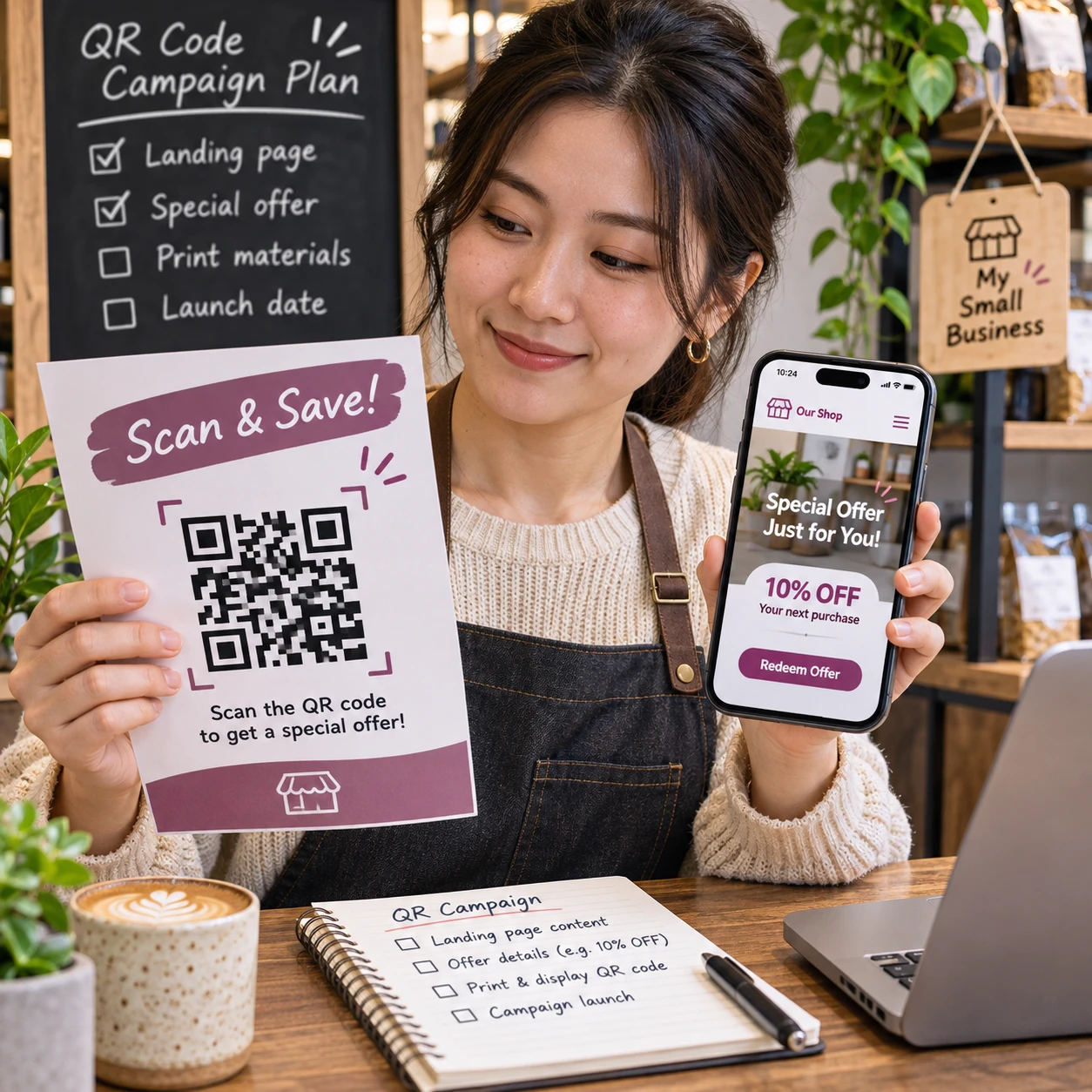
A QR code can connect a printed flyer, product label, menu, or event display to a digital experience. But creating the code is only one part of a successful QR code campaign. You also need a clear objective, a useful destination, a reason to scan, and a way to assess what happens next.
Use this step-by-step process to plan your first campaign, avoid common launch problems, and turn scan data into practical improvements.
Set a clear campaign goal
Start a QR code campaign by defining who you want to reach, what action you want them to take, and how you will measure success. A specific campaign objective keeps your destination, call to action, and placement working toward the same result.
Choose one primary action. You might want people to view a product guide, claim an offer, register for an event, join an email list, or download a menu. If you ask for several unrelated actions at once, it becomes harder for customers to know what to do and harder for you to interpret the results.
Next, identify the audience and context. A QR code on a takeout package may reach repeat customers at home; one at a trade show may reach people who have only a few seconds to decide whether to engage. That context affects both the offer and the wording.
Set a success measure before launch. For example, track visits to a campaign landing page, completed registrations, offer redemptions, or purchases attributed to the campaign. Scans can show initial interest, but a scan alone does not prove the campaign achieved its objective.
- Audience: Who is likely to see the code, and what do they need?
- Action: What single next step should they take?
- Measure: What observable result would indicate progress?
Choose the right destination
Choose a destination that directly supports the campaign objective and works well on a phone. In most campaigns, that means a focused mobile-friendly landing page with the promised information or action immediately visible.
Keep the connection between the placement and destination obvious. A QR code beside a limited-time discount should open a page that explains and applies that discount, not a general homepage where visitors must search for it. If you promote a product guide, make the guide easy to read without requiring unnecessary account creation.
Before using a page, open it on a phone and check that text is legible, buttons are easy to tap, forms are short, and the page loads reliably. Make sure the offer, brand, and any terms match what the printed or digital material promises. A useful destination reduces friction; a slow or confusing one can waste the attention earned by the scan.
For website analytics, add UTM parameters to the destination URL so visits from the QR code can be distinguished from other traffic. Use consistent labels for source, medium, and campaign, such as a source identifying the placement and a campaign name identifying the offer. Check that the analytics platform records the tagged visit as expected. UTMs help attribute web traffic, but they do not identify a person or capture every offline interaction.
Create and customize your QR code
Create the QR code only after your destination is ready. A static QR code stores its destination directly and is generally fixed once distributed; a dynamic QR code uses a redirect that can let you update the destination and may provide scan analytics, depending on the service and plan.
Choose based on how long the campaign will run and whether you may need to change the link. Static codes can suit a permanent destination that will remain valid. Dynamic codes offer flexibility for a time-limited promotion or printed materials that would be costly to replace. The trade-off is that dynamic codes depend on the provider’s redirect service, and tracking features may have fees or limitations. Review those terms before printing at scale.
Customize the code carefully. A logo or brand color can help it fit your design, but strong contrast and a clear code pattern matter more than decoration. Keep a light background behind a dark code, leave a clear margin around it, and avoid stretching, cropping, or placing it over a busy image. Export a high-resolution file suitable for the final print size, or use a vector format when your design workflow supports it.
There is no single print size that works in every setting. Scanning distance, surface, lighting, and phone camera all affect readability. Make a test print at the size you plan to use and scan it from the distance a customer is likely to stand. If the code needs to be enlarged for reliable scanning, adjust the layout rather than relying on a small code hidden in fine print.
Add a clear call to action
A clear call to action tells people what they will get by scanning and, when useful, what to do afterward. Pair the QR code with a short, specific instruction instead of assuming the code’s purpose is obvious.
Use wording that matches the destination and campaign objective. Examples include:
- View the menu
- Scan to claim your 10% offer
- Register for the workshop
- See setup instructions
Be precise about the value. “Scan here” explains the action but not the reason. “Scan to see today’s menu” sets a clearer expectation. If the offer has conditions or an end date, make the important details visible near the code so people are not surprised after scanning.
Keep the CTA readable at the size and distance of the placement. On a small product label, a short phrase may work better than a full sentence. On a poster, you can include a little more context. Whatever the format, the message should accurately describe the landing page and avoid promising a benefit the page does not provide.
Test the full experience
Test the QR code from the customer’s point of view before launch. Scan it on several phones, confirm the destination and tracking, and review the final printed or digital presentation in its real context.
A practical pre-launch test covers more than whether a camera recognizes the pattern:
- Scan the code with different devices and camera apps, including a phone that is not yours if possible.
- Confirm that the correct landing page opens and that its key action works.
- Check that UTM parameters or dynamic-code analytics register as intended.
- Test the final artwork on the actual material, at the planned size and viewing distance.
- Review the page on mobile data as well as Wi-Fi, and check any forms, downloads, or checkout steps.
Ask someone unfamiliar with the campaign to try it without coaching. If they cannot tell what to scan, what they will receive, or how to complete the next step, revise the CTA or page. Testing can catch a broken redirect or tiny print before it reaches customers, when a correction is still simple.
Launch and promote the campaign
Launch the QR code where the intended audience can see it, understand its relevance, and scan it comfortably. Effective QR code placement depends on the campaign, not on a universal list of supposedly best locations.
Match placement to the moment of need. A code on packaging can offer care instructions or a reorder link; one on an event sign can lead to a schedule or registration page. Place it at a natural pause, such as a checkout counter or information area, and leave enough room for someone to hold a phone steady. Avoid locations where glare, movement, poor lighting, or crowding make scanning difficult.
Keep the offer, CTA, and destination consistent across every promotional channel. If the same campaign appears on a poster, handout, and social post, use the same core promise. You can use separate dynamic codes or distinct UTM values for different placements when you need to compare their traffic, but document the naming convention so the reports remain understandable.
Check the campaign soon after it goes live. Scan a sample from the deployed materials, verify the landing page again, and confirm that codes have not been covered, damaged, or resized during production. For a long-running campaign, schedule occasional checks; a QR code is only useful while its destination and offer remain valid.
Measure results and improve
Measure a QR code campaign against its original objective, using scan tracking and conversion data where available. Review what people did after scanning, not just how many times a code was scanned.
Useful campaign performance metrics may include:
- Scans: How often the code was scanned, if your dynamic-code provider reports them.
- Visits: Sessions on the tagged landing page, measured in your analytics platform.
- Conversion rate: The share of relevant visits that completed the intended action.
- Outcome: Registrations, redemptions, leads, or purchases tied to the campaign.
- Placement comparison: How distinct locations or materials performed when tracked separately.
Interpret each metric with care. A provider’s scan count and an analytics platform’s session count may differ because they measure activity in different ways. A scan may not become a page visit, and a visitor may leave before completing the desired action. Look for patterns rather than treating one number as a complete account of performance.
Use those patterns to make one change at a time. If scans are low, review visibility, placement, and CTA clarity. If scans are healthy but conversions are weak, inspect the mobile landing page, offer, and form or checkout process. Keep the original version or a clear record of changes so you can compare results fairly. A first campaign is a useful baseline; it does not need to be perfect to teach you what to test next.
Frequently asked questions
What is the difference between static and dynamic QR codes?
A static QR code contains its destination in the code itself and is generally difficult to change after distribution. A dynamic QR code directs through a service that may let you update the destination and provide scan tracking, subject to the provider’s features and terms.
How do I test a QR code before launch?
Scan it with multiple phones, verify the destination and any tracking, complete the page’s main action, and test the final code on the actual printed material or digital screen.
What should a QR code call to action say?
Use a concise, truthful instruction that explains the benefit, such as “Scan to view the menu” or “Scan to register.” Make sure the destination delivers what the CTA promises.
How can I track QR code campaign performance?
Use a dynamic QR code provider’s scan reporting when appropriate, and add UTM parameters to measure tagged website visits in your analytics platform. Compare those visits with the campaign’s intended conversions, such as registrations or redemptions.